
Exam AB-410 Topic 1 Question 6 Discussion
Actual exam question for Microsoft's AB-410 exam
Question #: 6
Topic #: 1
Question #: 6
Topic #: 1
A company uses a cloud flow to process customer records in Dataverse.
The flow must:
# Retrieve a customer record.
# Store the customer email address for later use.
# Use the stored value in an email action.
You need to configure flow actions.
Which four actions should you perform in sequence? To answer, move the appropriate actions from the list of actions to the answer area and arrange them in the correct order. NOTE: More than one order of answer choices is correct. You will receive credit for any of the correct orders you select.
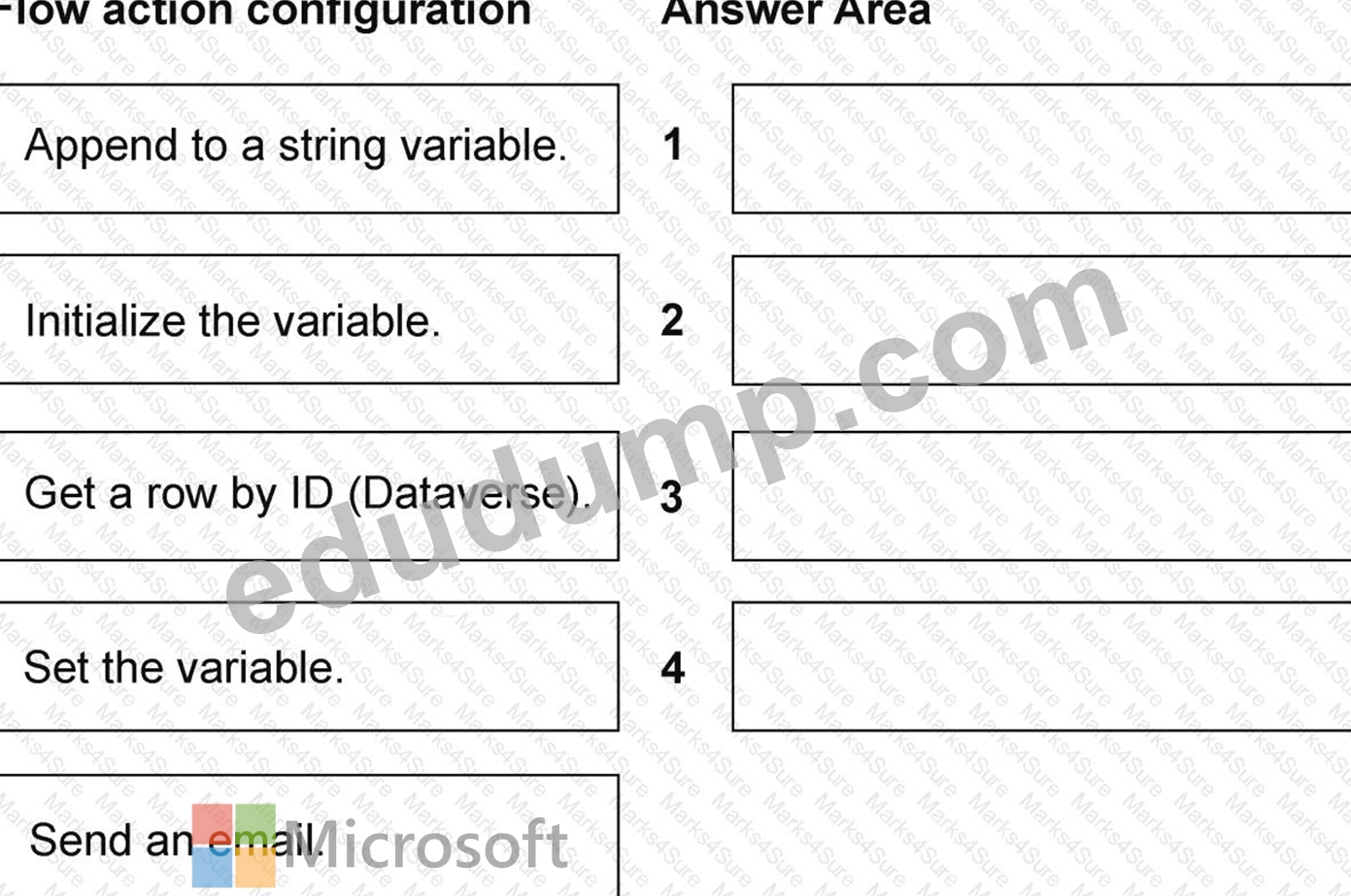
The flow must:
# Retrieve a customer record.
# Store the customer email address for later use.
# Use the stored value in an email action.
You need to configure flow actions.
Which four actions should you perform in sequence? To answer, move the appropriate actions from the list of actions to the answer area and arrange them in the correct order. NOTE: More than one order of answer choices is correct. You will receive credit for any of the correct orders you select.
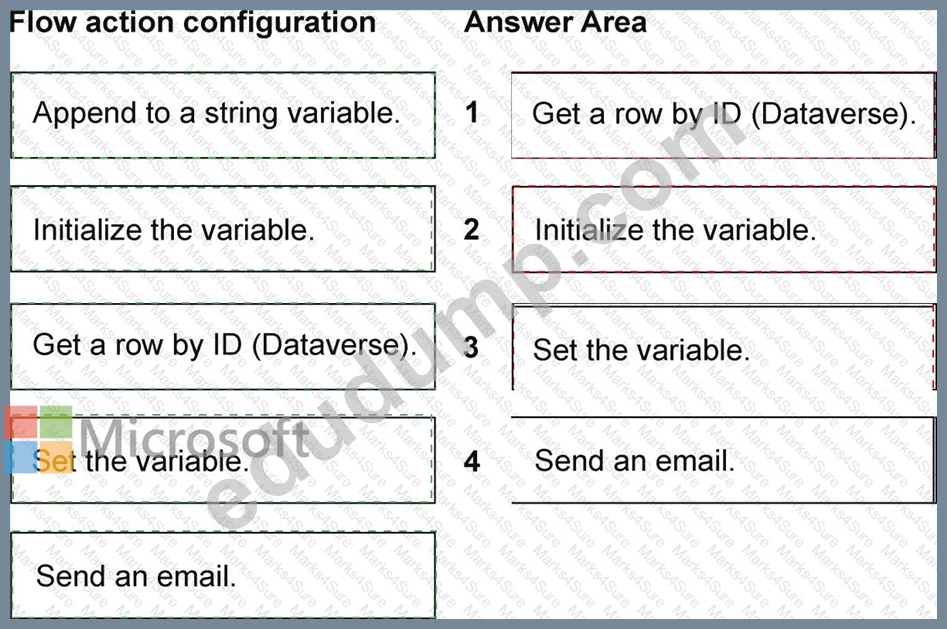
Suggested Answer:
Explanation:
Get a row by ID (Dataverse) # Initialize the variable # Set the variable # Send an email
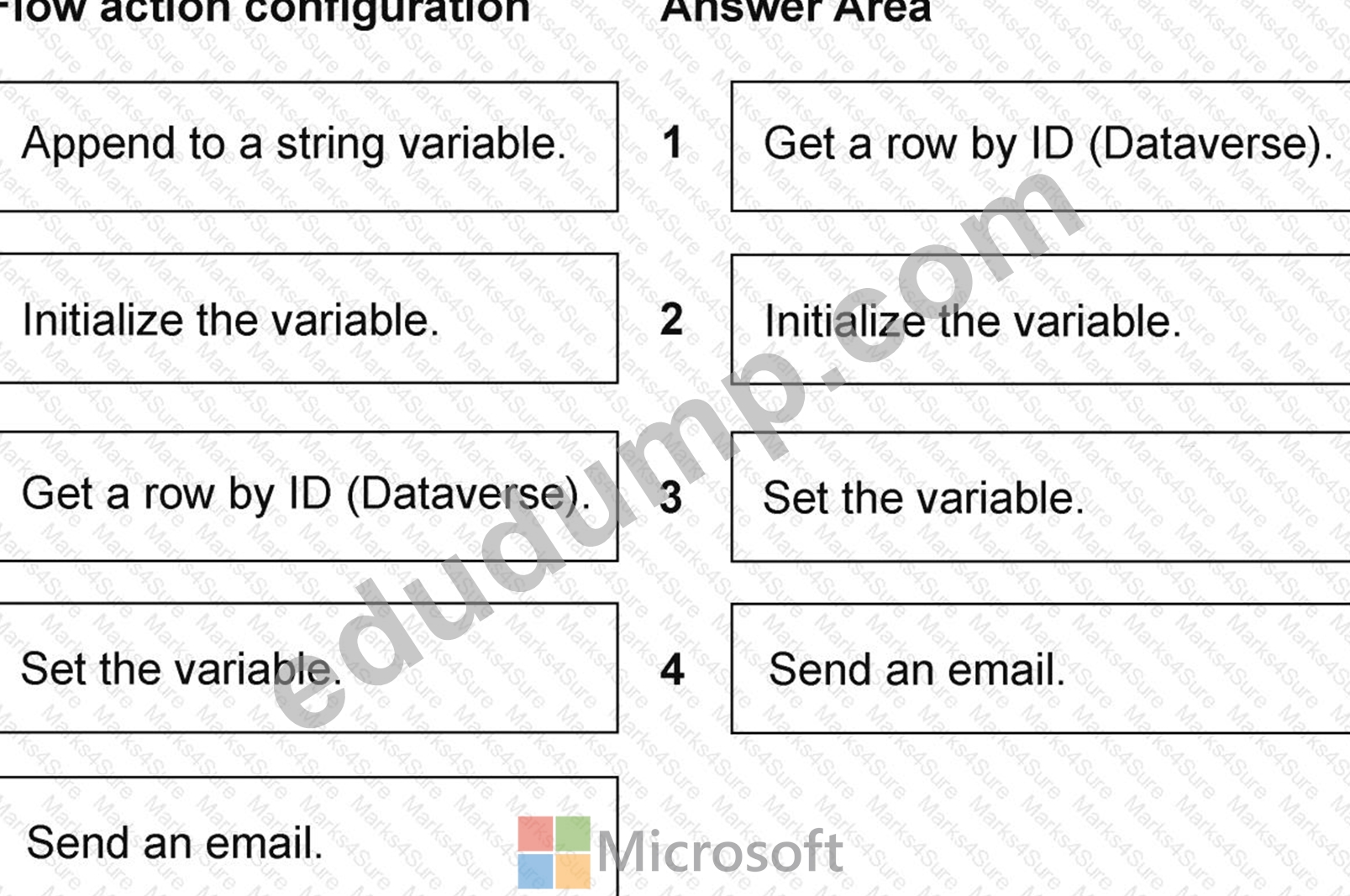
The flow first retrieves the customer with Get a row by ID so the email value is available as dynamic content.
It then initializes a string variable, sets that variable to the retrieved email address, and uses the variable in the Send an email action. Initialization must occur before Set, while retrieval may occur before or after initialization; the question acknowledges that more than one valid order exists. The displayed sequence is therefore valid: Get row, Initialize, Set, Send. Append to a string variable is unnecessary because only one email value is stored, and appending can unintentionally retain or concatenate content in a loop. The variable should use a clear name and the email action should handle an empty address before attempting delivery. If the value is used only once, direct dynamic content could be simpler, but the requirement explicitly asks to store it for later use. The Study Guide covers "configure cloud flow actions." This sequence establishes the source value, creates the storage container, assigns the value, and consumes it in dependency order.
Study Guide reference/topic: "Create cloud flows - Configure cloud flow actions." AB-410 Study Guide | Microsoft Learn technical reference
by Emmanuel at Aug 30, 2026, 11:14 PM
0
0
0
10
Comments
Upvoting a comment with a selected answer will also increase the vote count towards that answer by one. So if you see a comment that you already agree with, you can upvote it instead of posting a new comment.
Report Comment
Commenting
You can sign-up / login (it's free).